
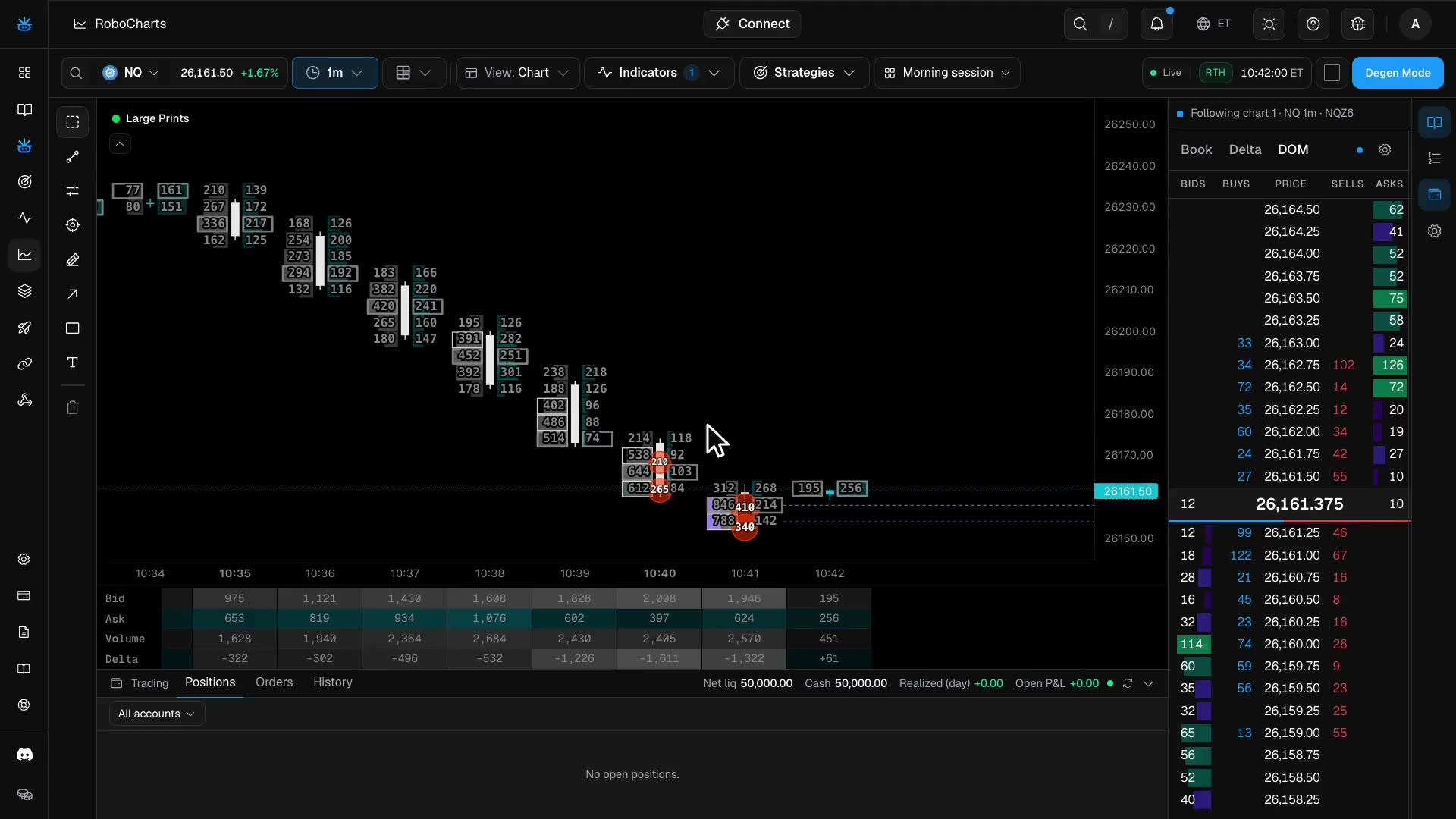
Trade by hand, right from the chart.
Degen Mode is manual trading inside RoboCharts, on your connected demo accounts.
Demo account
How it works
1
Connect a demo account
Link a demo account to Roboquant.
2
Switch on Degen Mode
Turn it on inside RoboCharts.
3
Trade from the chart
Place and manage orders on the chart.
What you get
One-click orders
Send market, limit and stop orders in one click.
Manage on the chart
Drag order lines to move them and move your stop to break-even.
Long/short tool
Set take profit and stop loss with the long/short tool.
Several accounts
Trade several accounts at once with saved groups.
Trading dock
Open P&L and every order’s result sit in the dock beside your charts.
On your phone
Degen Mode is a sheet under the chart.
Demo accounts include prop-firm evaluation and funded accounts, where a loss can cost real money or the account. Check your firm’s rules on third-party platforms and on trading several accounts at once. Charts and Starter connect 5 demo accounts; Pro and Elite 10 accounts; Ultra 20 accounts. Degen Mode trades demo accounts only for now.
By plan
| Feature | Free | Charts | Starter | Pro | Elite | Ultra |
|---|---|---|---|---|---|---|
| Degen Mode (manual orders) | No | Included | Included | Included | Included | Included |
| Order book (Book, Delta, DOM) | No | Included | Included | Included | Included | Included |
| Multi-chart layouts | 2 charts | Up to 16 charts | Up to 16 charts | Up to 16 charts | Up to 16 charts | Up to 16 charts |