

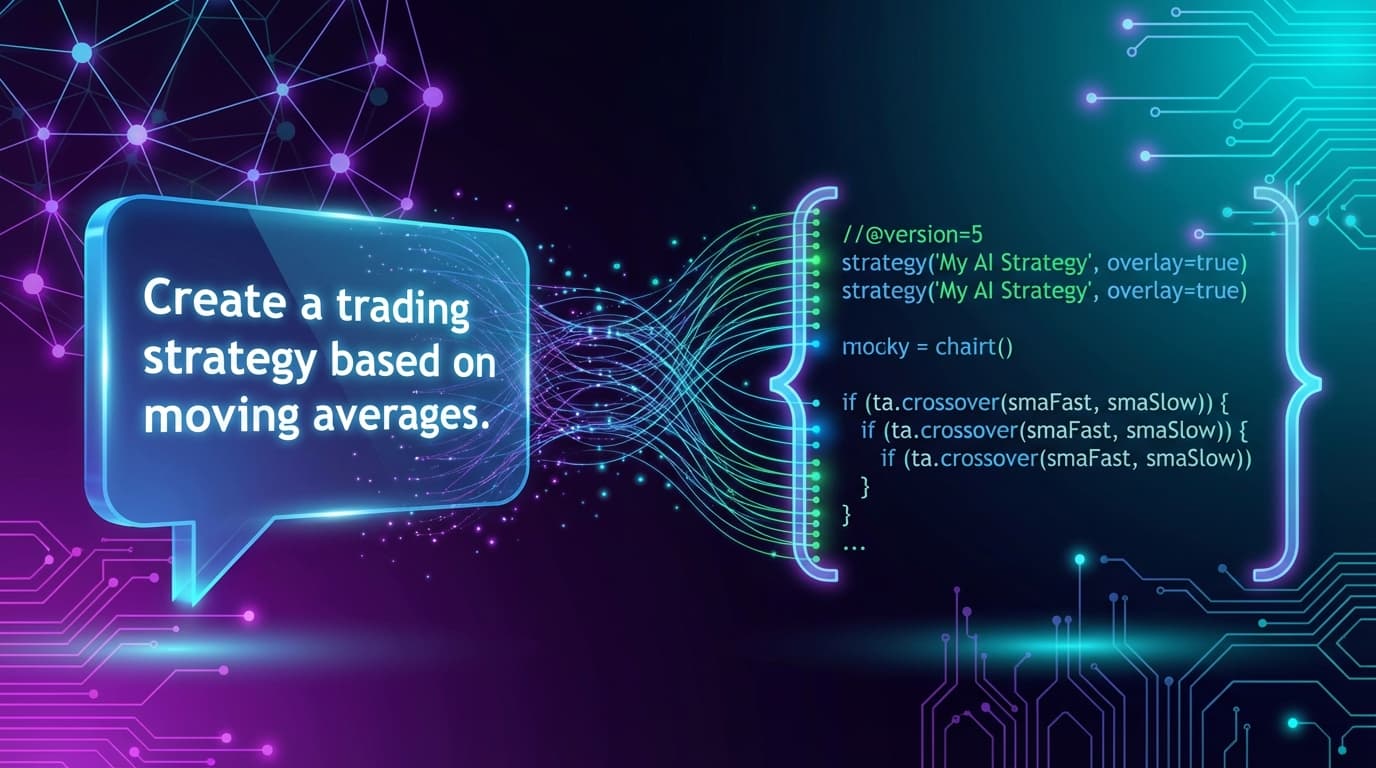
What "Natural Language to Trading Code" Means
You describe a trading idea in plain English, and an AI turns it into code a machine can run. That part is now routine. The hard part is the gap between "the code runs" and "the code does what you meant".
This guide explains how the process works in Roboquant, how to write a description the AI can turn into exact rules, what compiling does and doesn't prove, and the limits you should know before you trust a result.
How It Works in Roboquant
Roboquant's AI writes strategies in one format: a .rq source file. Roboquant compiles it into a .rqc artifact, and that same compiled artifact runs in every stage: backtest, optimization, replay and live deployment. Nothing is rewritten into another language between testing and going live.
Roboquant doesn't run, backtest, deploy or export Pine Script, MQL or Python strategies. The chat can draft Pine Script or MQL5 source if you ask for it, but Roboquant doesn't run or test that source. If you need a script to run on TradingView or MetaTrader, a Roboquant strategy is not that.
The workflow:
- Describe the idea in the chat: entries, exits, stops, targets, session hours, position size and which values you want to tune.
- The AI writes the
.rqsource and compiles it. If the compiler reports errors, the AI repairs the code from those diagnostics until the build is clean, then saves the strategy. - Backtest the compiled strategy in the Backtest tab. You can also ask the AI to start a backtest from the chat.
- Optimize parameter ranges in the Optimize tab, with in-sample/out-of-sample or walk-forward validation on the plans that include them.
- Replay a run to watch entries, exits, stops, targets and indicators play out on the chart. The Free plan includes a Replay preview; full Replay starts on Starter.
- Deploy the same compiled strategy to a Tradovate Demo account first, then Live, on the plans that include deployments.
What a Strategy Looks Like
A .rq strategy declares its tunable parameters, registers its indicators once, and reacts to each completed bar. Here is a minimal EMA crossover:
use rq_sdk::prelude::*;

#[strategy(name = "EMA Crossover")]
pub struct EmaCrossover {
    #[param(default = 12, min = 2, max = 100, title = "Fast EMA")]
    fast_period: i64,
    #[param(default = 26, min = 3, max = 200, title = "Slow EMA")]
    slow_period: i64,
    fast: Ind,
    slow: Ind,
}

impl Strategy for EmaCrossover {
    fn on_init(&mut self, init: &mut Init) {
        self.fast = init.add(Ema::new(self.fast_period.max(2) as usize));
        self.slow = init.add(Ema::new(self.slow_period.max(3) as usize));
    }

    fn on_bar(&mut self, ctx: &mut Ctx, _bar: Bar) {
        let (Some(fast), Some(slow), Some(prev_fast), Some(prev_slow)) = (
            ctx.val(self.fast),
            ctx.val(self.slow),
            ctx.val_back(self.fast, 1),
            ctx.val_back(self.slow, 1),
        ) else { return };

        let crossed_up = prev_fast <= prev_slow && fast > slow;
        let crossed_down = prev_fast >= prev_slow && fast < slow;
        if ctx.position() == 0 && crossed_up {
            ctx.buy(1).send();
        } else if ctx.position() > 0 && crossed_down {
            ctx.close_position();
        }
    }
}
The fields marked #[param] appear in the Backtest and Optimize forms, so you can change them between runs without recompiling. The strategy docs cover the full structure.
Write a Description the AI Can Turn Into Exact Rules
Every rule in your idea has to become a precise decision before it becomes code. Cover these in your description:
| What to specify | Example |
|---|---|
| Entry and exit signals | "Go long when the 12 EMA crosses above the 26 EMA on a closed bar" |
| Session and timezone | "Only enter between 9:30 and 15:30 New York time; flat by 15:55" |
| Order types | "Enter at market; exit with a stop and a limit target" |
| Risk and size | "Stop below the low of the last 3 bars, target at twice the stop distance, size 1" |
| State and resets | "One trade per day; reset at the session open" |
| Parameters | "Let me tune both EMA lengths between 5 and 50" |
| Data | "Bar-close logic on 5-minute bars" or "needs tick data for intrabar stops" |
A description the AI can work with:
"Build a 5-minute strategy. Go long when the 12 EMA crosses above the 26 EMA on a closed bar and RSI(14) is above 50. Place a stop at the low of the last 3 bars and a target at twice the stop distance. Trade only between 9:30 and 15:30 New York time, one position at a time, and close any open position at 15:55. Make both EMA lengths and the RSI threshold tunable."
A description that leaves every rule to the AI's guess:
"Make me a profitable scalping strategy."
If your description is ambiguous anywhere, ask the AI to list the assumptions it made before you run a backtest.
What Compiling Proves, and What It Doesn't
A clean compile proves the code is valid and uses the strategy API correctly. It does not prove the trading logic matches what you meant. Review these points yourself, or ask the AI to explain each rule back to you in plain English:
- Crossovers. A crossover compares the previous and current values. "Fast EMA is above slow EMA" is a different rule that is true on every bar of a trend.
- Timezones. Engine timestamps are UTC. Session rules in New York time need the Eastern-time helpers, which handle daylight saving time.
- Warmup. Indicators have no value for their first bars. The strategy must wait instead of trading on missing values.
- Bars vs ticks. A bar strategy acts when a bar closes. Intrabar entries, stops and trailing behavior need tick data and a strategy that opts in to ticks.
- Size. A risk-based size can round down to zero. The strategy should skip that trade rather than send an invalid order.
Test Like a Skeptic
A backtest is a historical simulation, not a forecast.
- Set realistic costs. Enter commission and slippage in the Backtest tab.
- Pick the right fill model. OHLCV bars are fast and fine for bar-close systems. Tick fills follow the historical trade tape, and order-book fills walk market depth, when stop and target timing or order size matter. Tick and order-book data are available only for supported symbols and dates.
- Check the trade count and date range. A handful of trades says little.
- Validate optimized parameters. Use out-of-sample or walk-forward validation, then rerun the chosen parameters as a normal backtest.
- Run on a Demo account before Live.
The metrics themselves are explained in Understanding Sharpe Ratio, Drawdown & Key Metrics.
Honest Limits
- The AI writes code from your rules. It doesn't hand you an edge. A strategy that compiles and backtests well can still lose money live.
- Market data comes from CME today. Availability varies by symbol, timeframe and data type.
- Live deployment runs one symbol per deployment on Tradovate. Multi-symbol strategies can be backtested but not deployed live yet.
- Running deployments don't hot-swap parameters. To change parameters or code, stop the deployment and start a new one.
- Features depend on your plan. AI usage draws on your plan's AI credits. The Free plan includes a guided AI strategy builder; the full builder with the compile-fix loop starts on Starter. Replay (a preview on Free), optimization, validation methods and deployments also depend on your plan. See pricing.
Related Reading
- Turn a YouTube Trading Strategy Into Code You Can Backtest
- TradingView Strategy Analyzer: Sharpe Ratio, Drawdown & Key Metrics
- Best Pine Script AI Generators in 2026
- Roboquant vs Pineify
- Docs: Engine overview, Backtesting, Live deployment
Try It
Start on the Free plan: describe a strategy to the guided AI strategy builder and run your first backtest.
Trading involves risk of loss. Backtest results are hypothetical and do not guarantee future performance.